🛰️ WILSON CLUSTER
🛰️ WILSON CLUSTER#
To install BLIP on the Wilson cluter at FNAL, we first need to set up our conda environment. Due to the limited size of the home directory, we want to tell anaconda to download packages and install blip in a different directory. Once logged in to the Wilson cluster, do the following to activate gnu8, openblas, cuda and condaforge
module load gnu8/8.3.0
module load openblas/0.3.7
module load cuda11/11.8.0
module load condaforge/py39
The default anaconda location for packages and environments is usually the home directory, which has limited space. To check which directories are set, run
conda config --show
which should give an output like the following:
[<user_name>@wc:~:]$ conda config --show
...
envs_dirs:
  - /nashome/<first_letter>/<user_name>/.conda/envs
...
pkgs_dirs:
  - <old_package_directory>
...
If you have mistaken your path you can: conda config --remove envs_dirs <old_env_directory>.
Then, tell anaconda to use a different directory for downloading packages:
conda config --remove pkgs_dirs <old_package_directory>
conda config --remove envs_dirs <old_env_directory>
conda config --add pkgs_dirs <package_directory>
conda config --add envs_dirs <env_directory>
I’ve used /wclustre/dune/
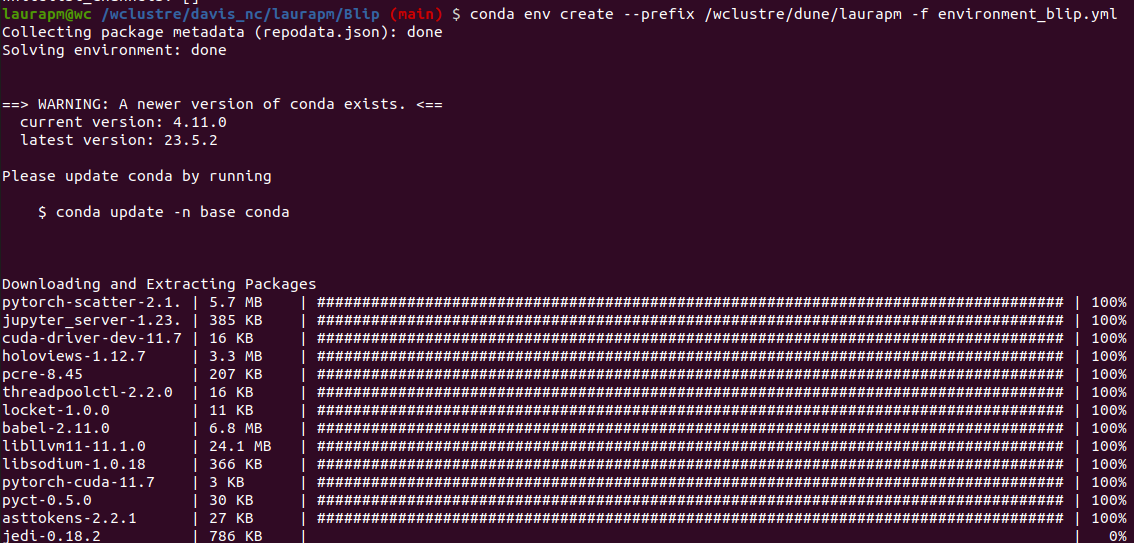
conda env create --prefix <blip_install_directory> -f environment_blip.yml
I’ve also used /wclustre/dune/
conda activate <blip_install_directory>
In order to install MinkowskiEngine with CUDA, we need to set an environment variable which specifies the number of architectures that the current version of cuda will work with. On a generic linux system, this can be achieved with a small script:
CUDA_VERSION=$(/usr/local/cuda/bin/nvcc --version | sed -n 's/^.*release \([0-9]\+\.[0-9]\+\).*$/\1/p')
if [[ ${CUDA_VERSION} == 9.0* ]]; then
    export TORCH_CUDA_ARCH_LIST="3.5;5.0;6.0;7.0+PTX"
elif [[ ${CUDA_VERSION} == 9.2* ]]; then
    export TORCH_CUDA_ARCH_LIST="3.5;5.0;6.0;6.1;7.0+PTX"
elif [[ ${CUDA_VERSION} == 10.* ]]; then
    export TORCH_CUDA_ARCH_LIST="3.5;5.0;6.0;6.1;7.0;7.5+PTX"
elif [[ ${CUDA_VERSION} == 11.0* ]]; then
    export TORCH_CUDA_ARCH_LIST="3.5;5.0;6.0;6.1;7.0;7.5;8.0+PTX"
elif [[ ${CUDA_VERSION} == 11.* ]]; then
    export TORCH_CUDA_ARCH_LIST="3.5;5.0;6.0;6.1;7.0;7.5;8.0;8.6+PTX"
else
    echo "unsupported cuda version."
    exit 1
fi
For our purposes however, we are choosing cuda 11.8.0, so we can just run the command
export TORCH_CUDA_ARCH_LIST="3.5;5.0;6.0;6.1;7.0;7.5;8.0;8.6+PTX"
Then, install MinkowskiEngine
conda install openblas
pip install -U git+https://github.com/NVIDIA/MinkowskiEngine -v --no-deps --install-option="--blas_include_dirs=${CONDA_PREFIX}/include" --install-option="--blas=openblas" --install-option="--force_cuda"
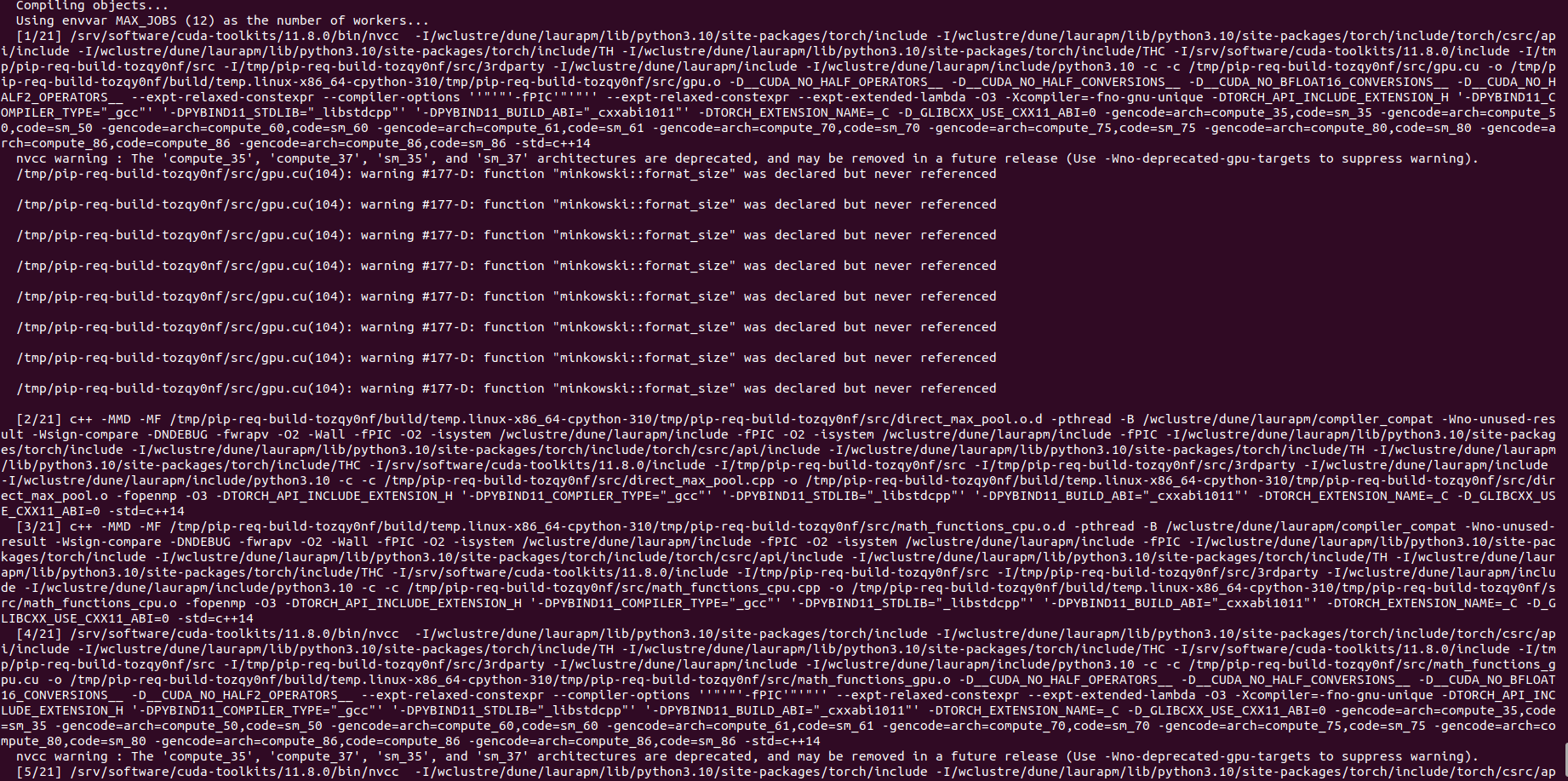
A long list of packages is going to be installed, if something similar to the following appears, it is going well.
When you reach the end of the installation you should see a success message, and you are done! 🎉
